Icon Tower 1 is listed in Cluster M, Jumeirah Lakes Towers. Use this guide to identify the building, compare its local group and prepare a property enquiry.
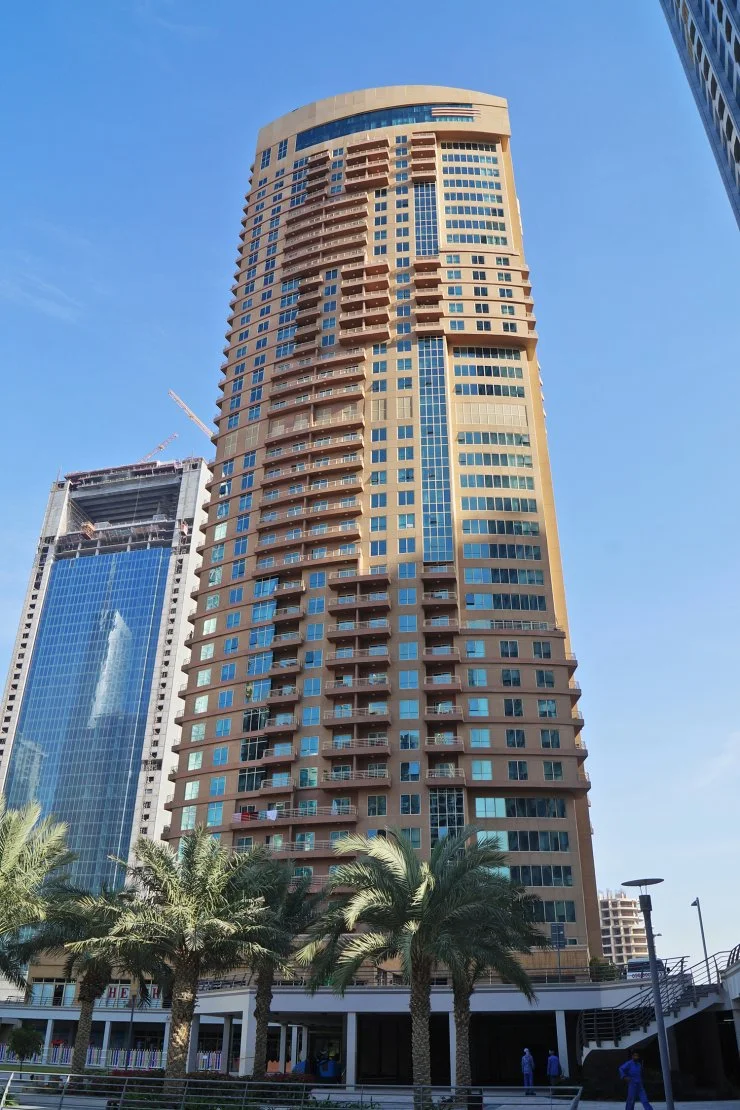
Icon Tower 1 · Cluster M · reference exterior image (archive photography or project rendering); confirm current condition.
BUILDING SNAPSHOT
Icon Tower 1 at a glance
The official JLT community map places Icon Tower 1 in Cluster M and labels its use as residential. The category describes the building group; an individual property’s permitted use and current availability should be confirmed separately.
Community
Jumeirah Lakes Towers
Location
Cluster M
Guide category
Residential
Availability
Confirm with our team
APARTMENT LAYOUTS
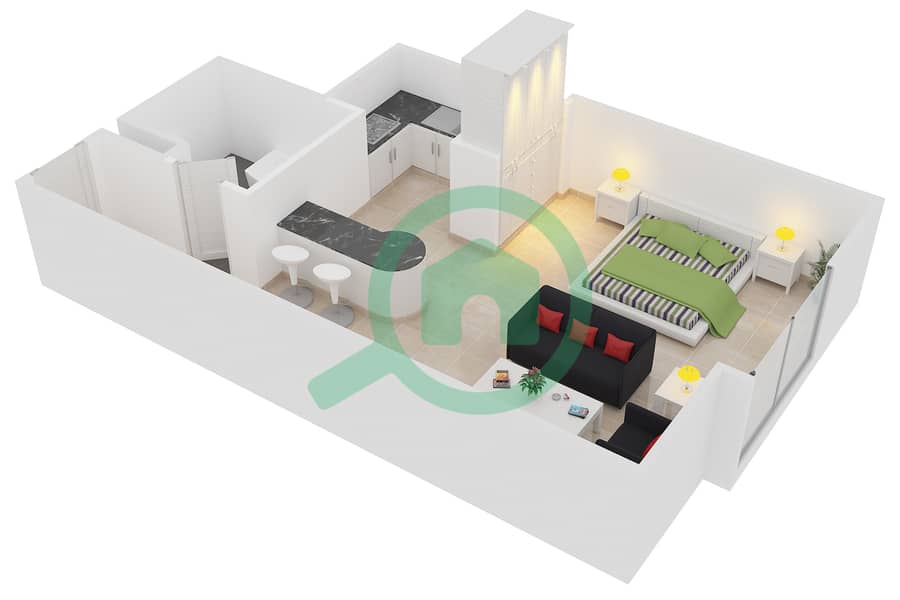
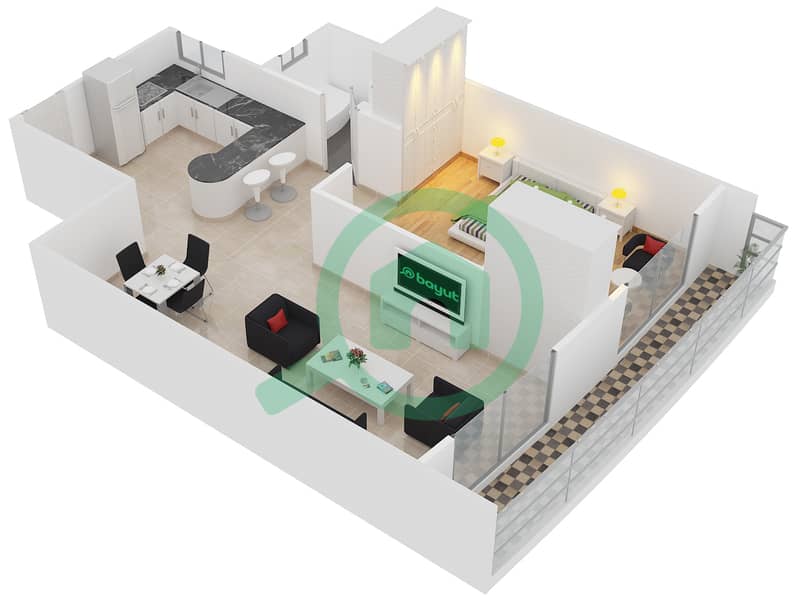
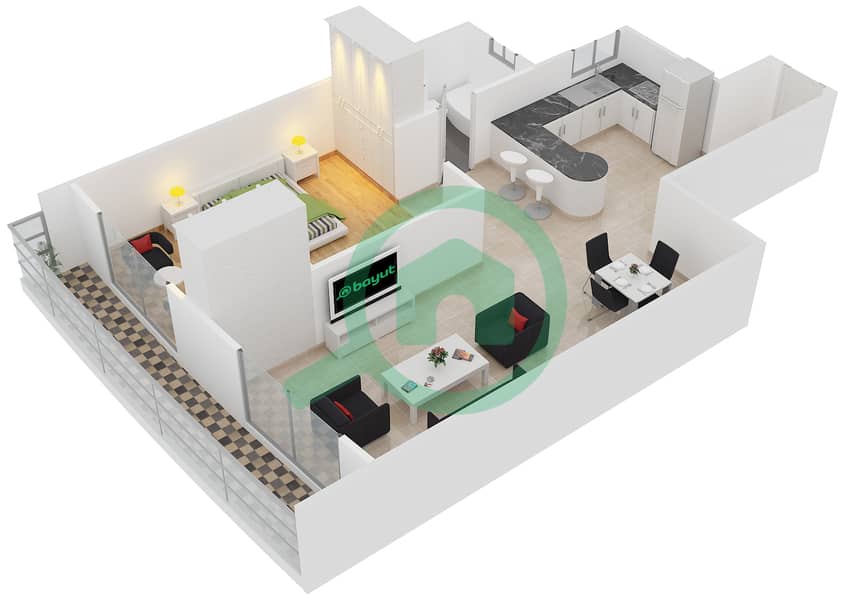
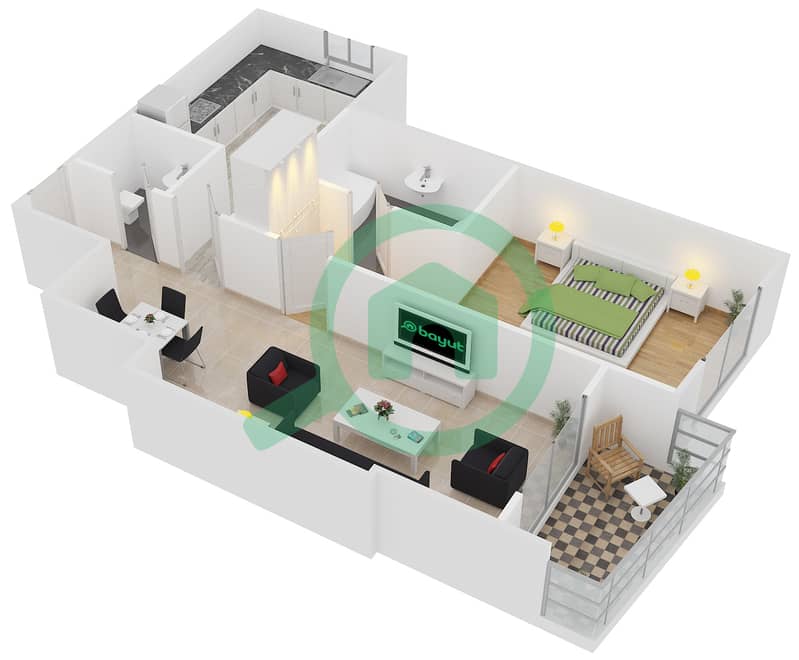
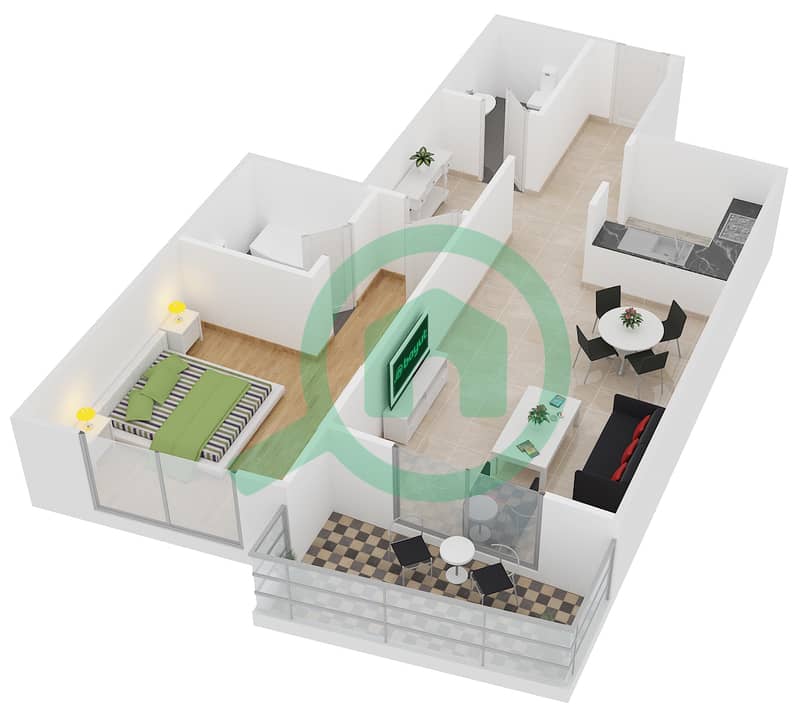
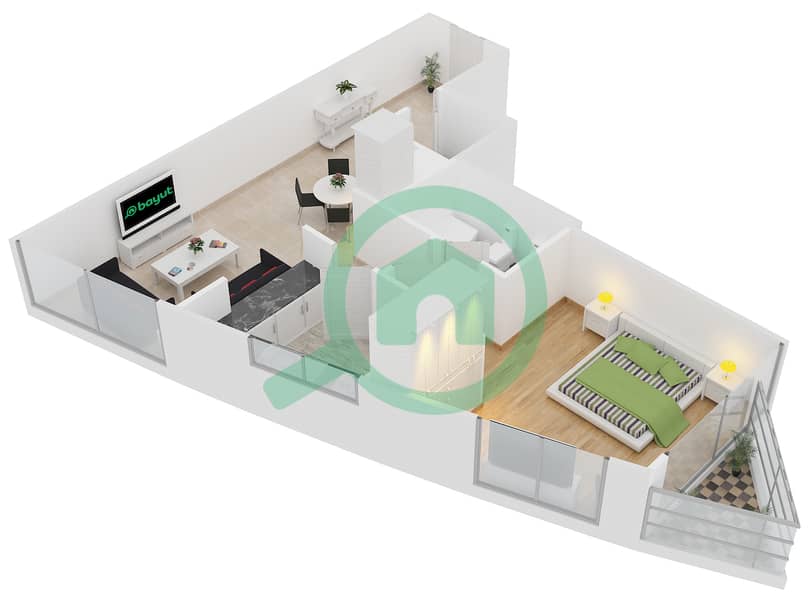
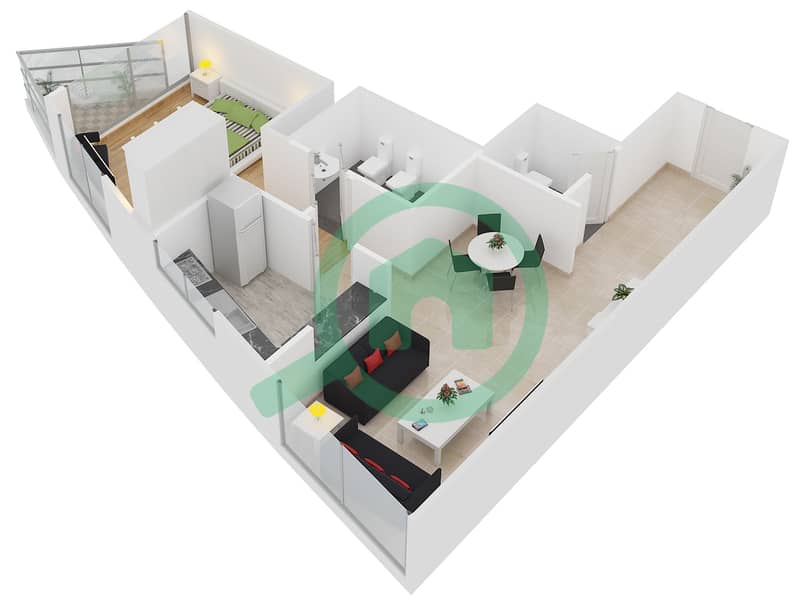
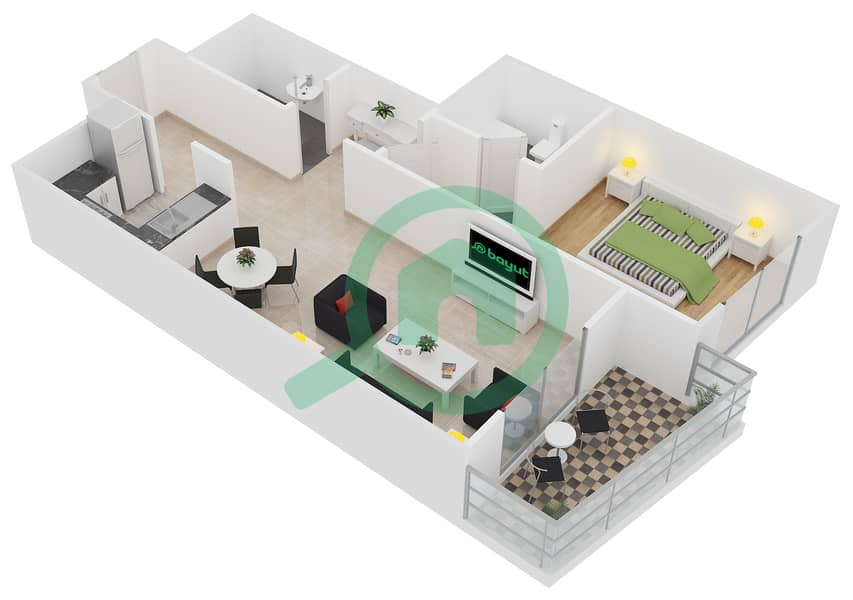
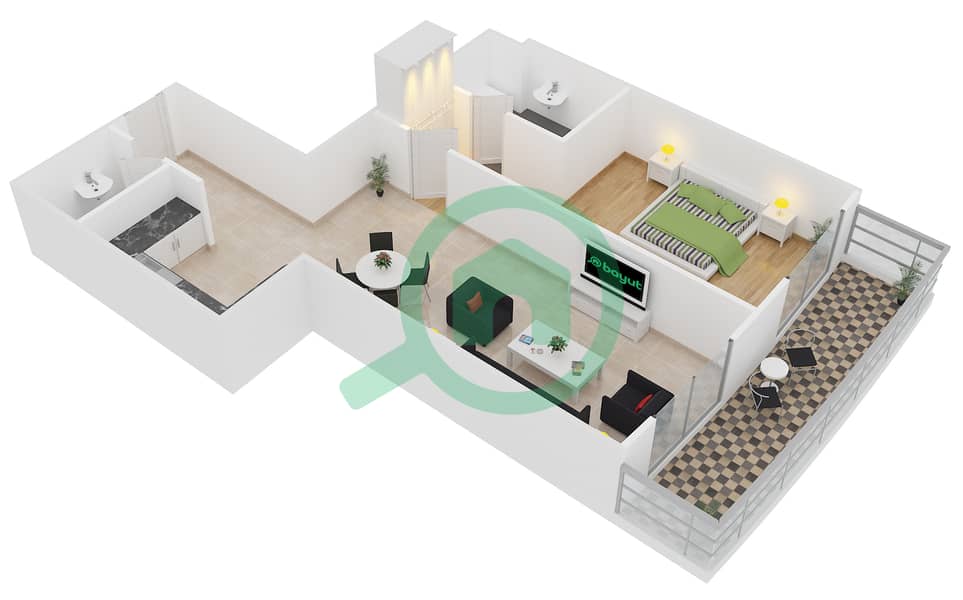
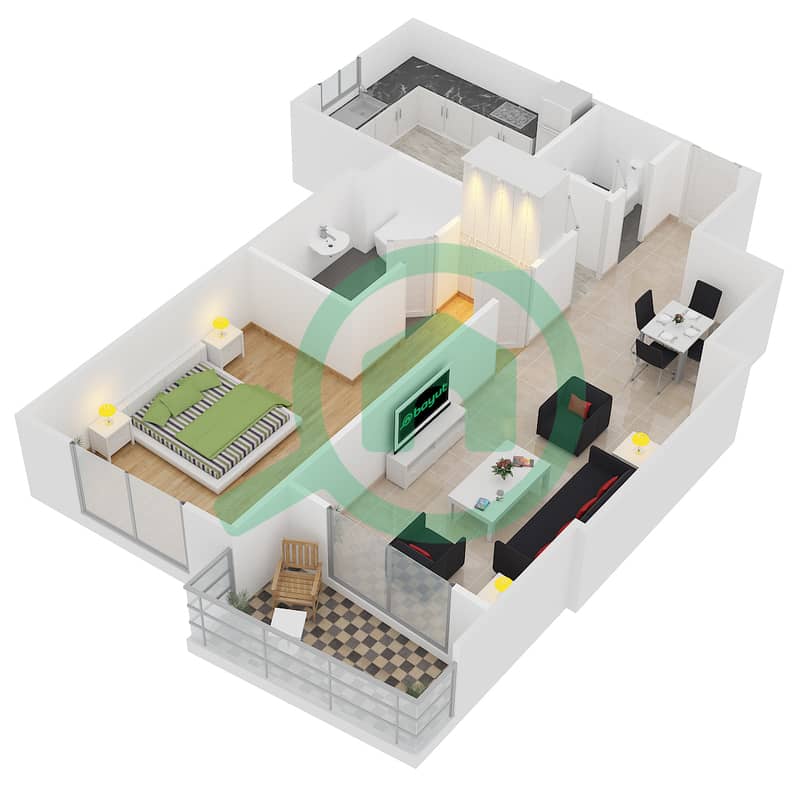
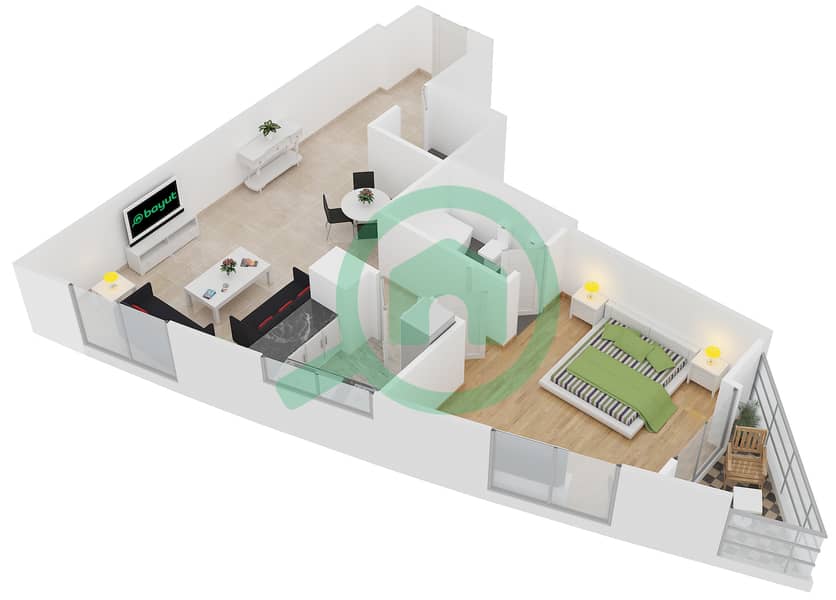
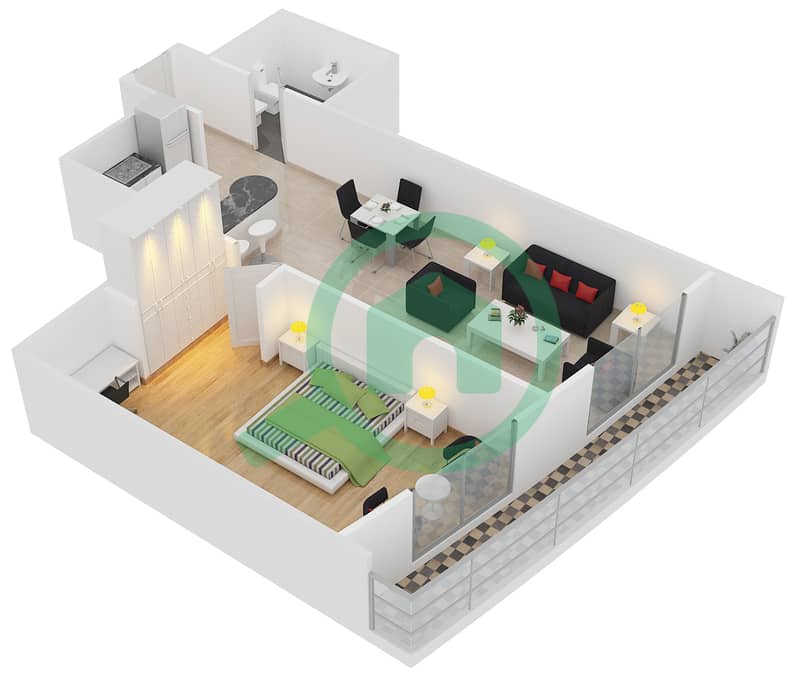
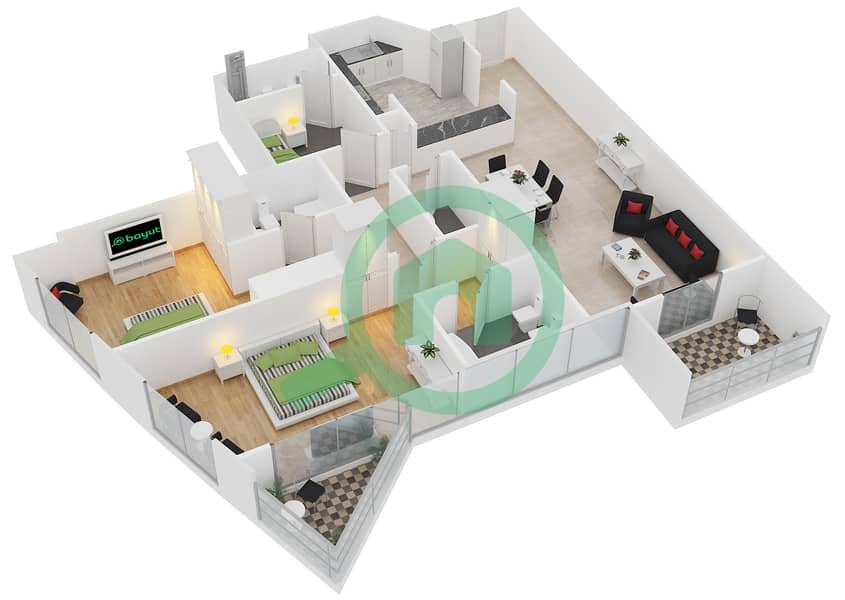
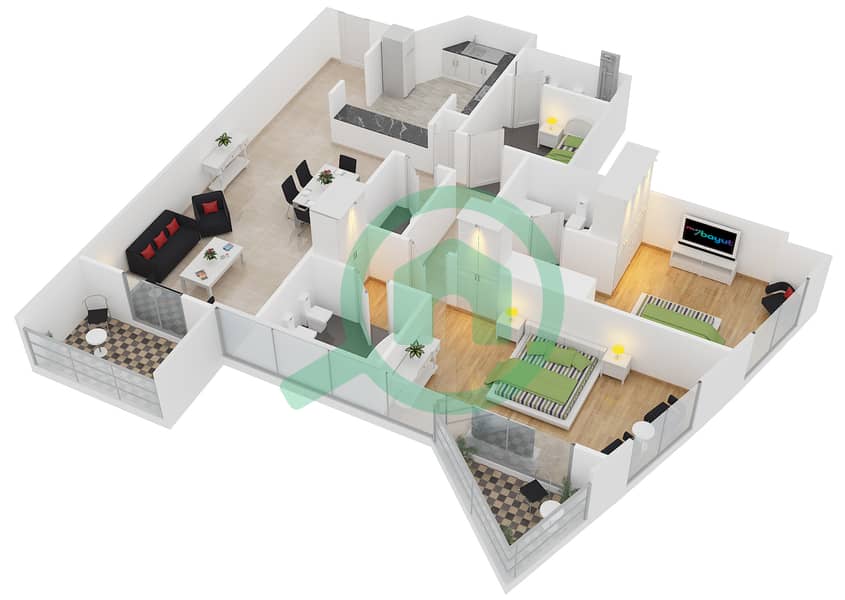
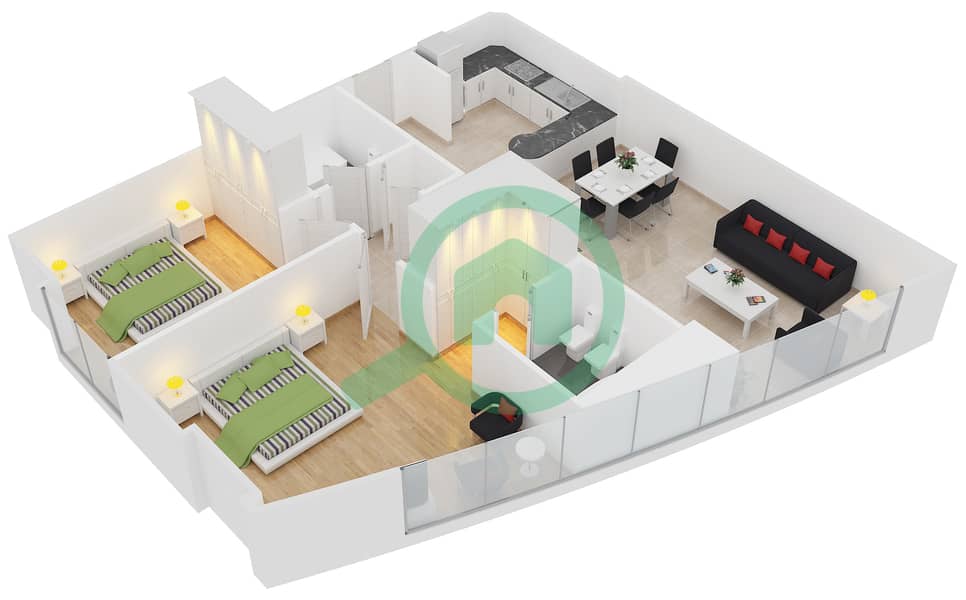
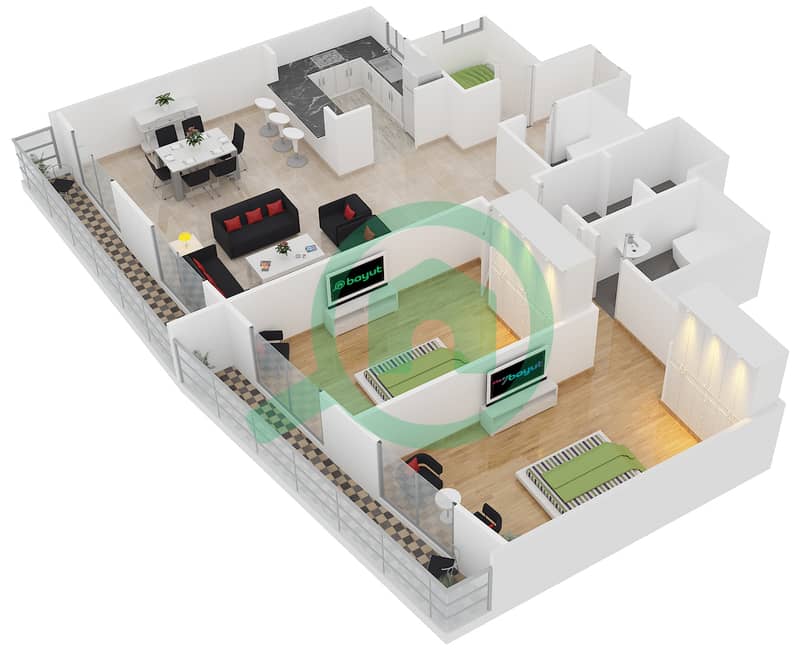
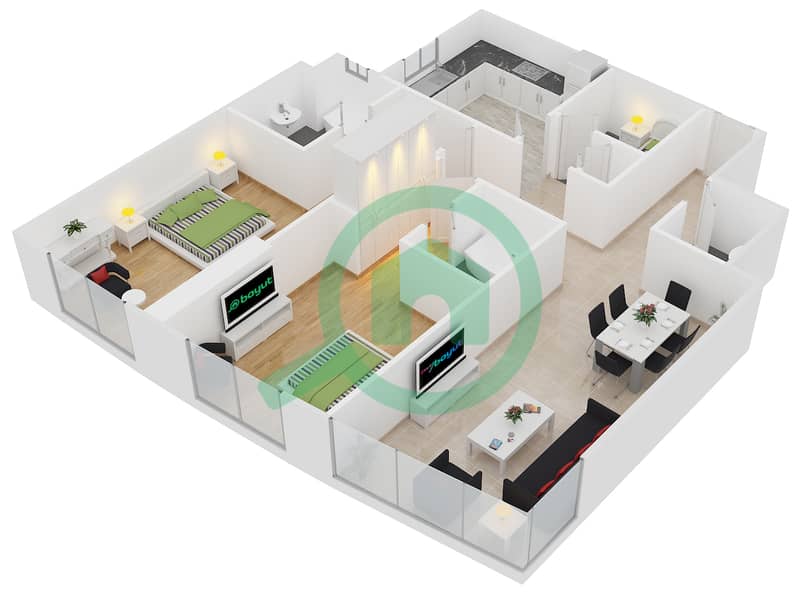
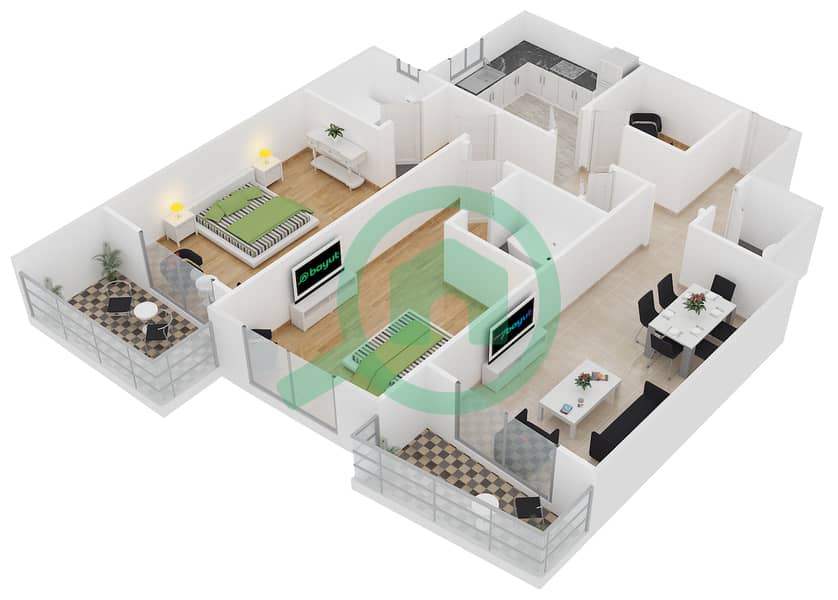
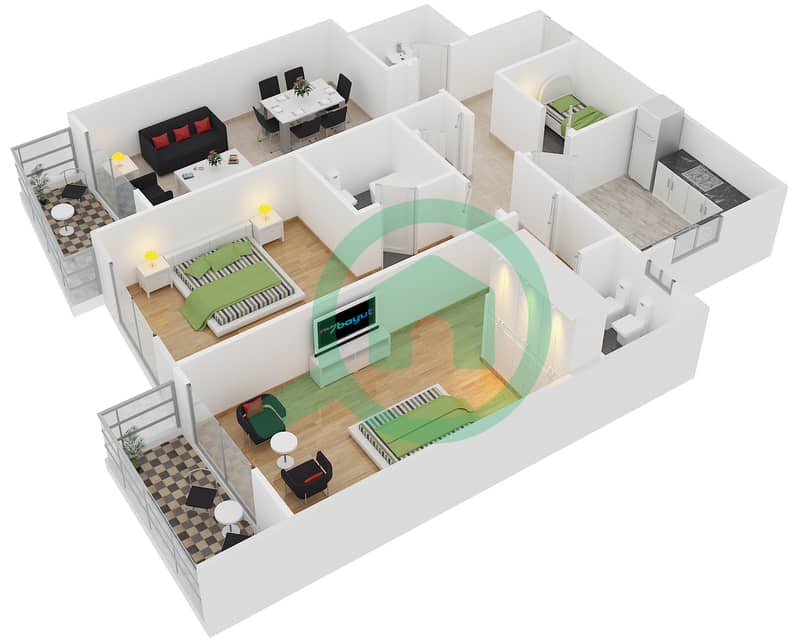
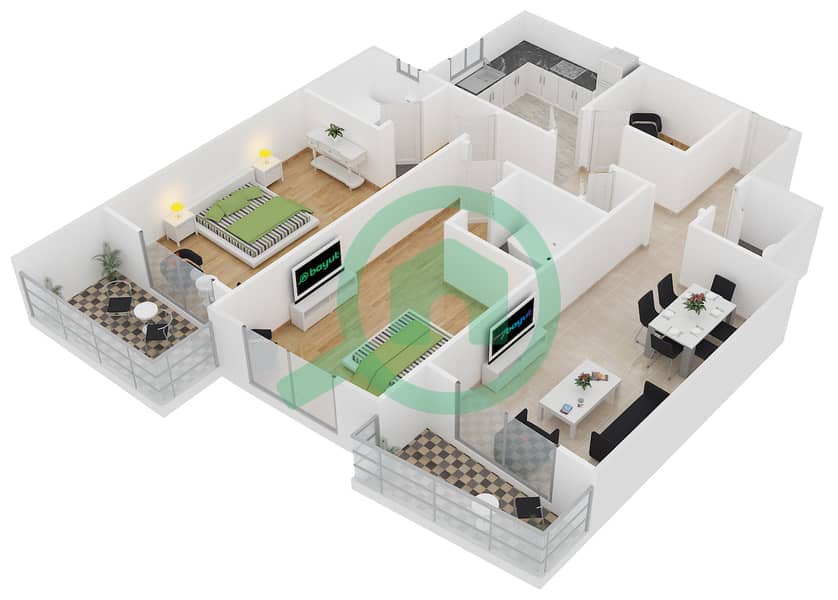
Icon Tower 1 floor plans and apartment layouts
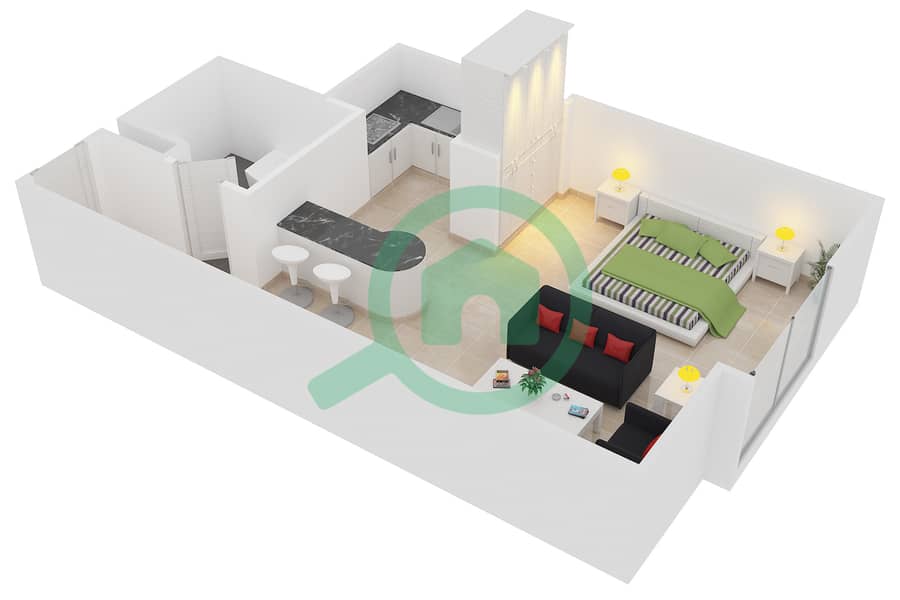
Open a bedroom group to view the separate layout examples. Bayut images are public listing 3D illustrations and may not be dimensioned developer drawings. Check the exact unit, stack, area and current approved plan with Griffin.
These names come from public floor-plan listings. A type-name is not proof of the tower’s complete unit mix; confirm it against the building and exact apartment.
Floor plans may differ by floor, stack, mirrored orientation, balcony treatment and revision. Confirm current documents before relying on a layout.
Apartments in Icon Tower 1: what to compare
Match the approved layout to the home you need. Compare usable living space, storage, kitchen arrangement and any balcony shown for the specific unit. Check orientation, condition and allocated parking during the viewing.
Renting
Share your bedroom requirement, annual budget, furnishing preference and move-in date. Compare the payment schedule and recurring charges for the exact apartment; do not assume every unit has the same cooling arrangement.
Buying
Ask for the current service-charge statement and tenancy position. Compare properties with similar size, condition and occupancy. A building guide does not establish that a particular apartment is vacant or available for transfer.
Icon Tower 1 in its cluster
Cluster M includes HDS Business Centre and Icon Tower 1. The similarly named Icon Tower 2 is in Cluster L, so check the tower number before comparing documents or booking a viewing.
Ask for a current check for your property type. No live price or available unit is implied by this guide.
What are the service charges?
Request the applicable verified statement, including the charging period and area basis. A single unverified rate can give an inaccurate ownership budget.
How do I confirm the location?
Use the building name and Cluster M together. Check the entrance on a map and the real route to your workplace, school or metro station.
YOUR NEXT MOVE
Ask Griffin about Icon Tower 1.
Tell us what you need. We’ll check the property or building that matches your enquiry.
 Open larger ↗